Audio transcription · Productivity
Transcrire
A voice. Notes that last.
Record an idea, import an audio file and find its transcription on your computer.
View the code and download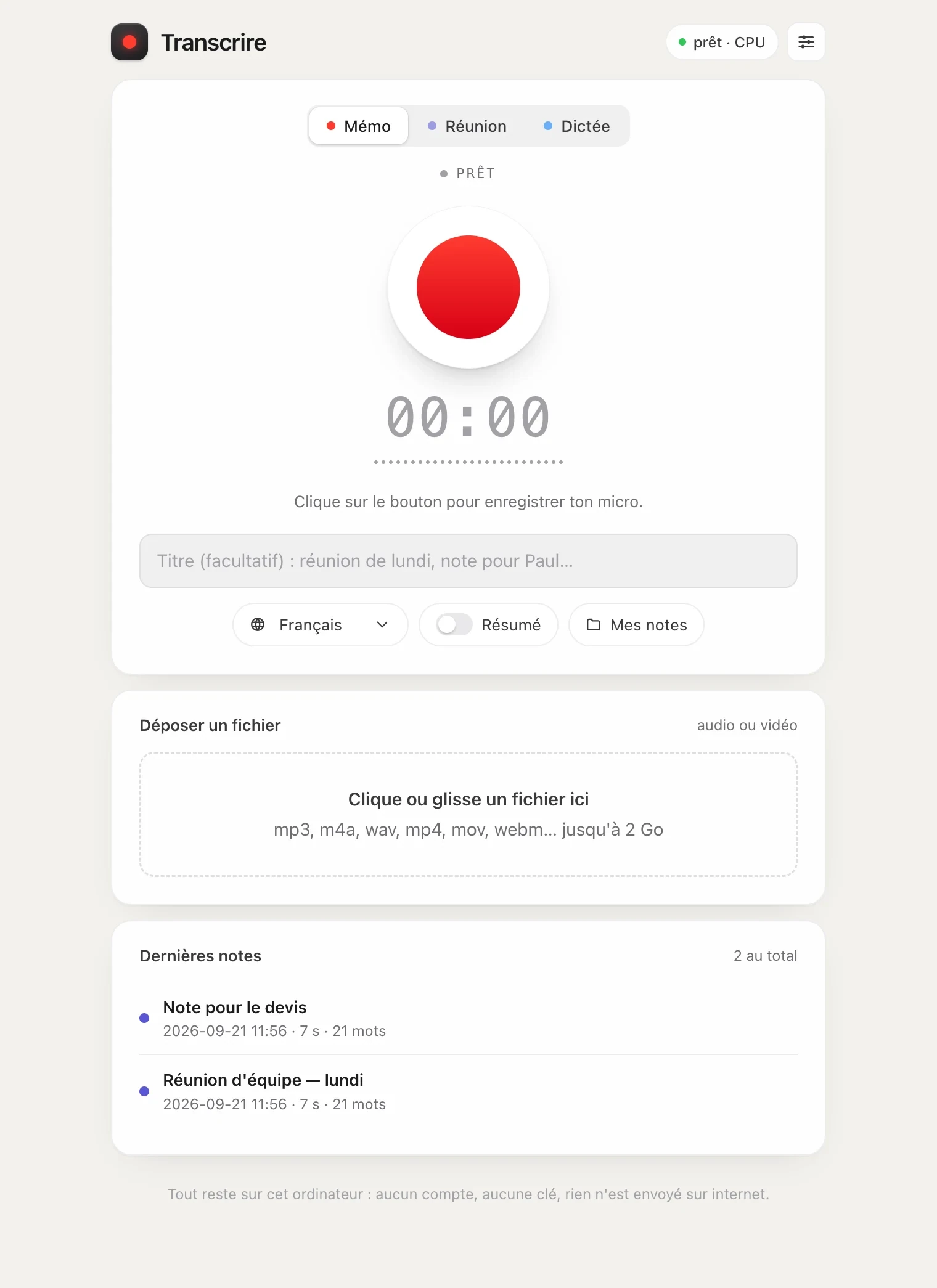
From voice to notes.
The application came from a simple need: keep a written record of a memo or a meeting, without subscribing to a transcription service.
After the macOS version, I developed a Windows port with a local web interface and an executable distributed on GitHub.
Processing audio locally.
Put the local computer to work
The engine uses the machine’s processor. Files and their transcriptions stay on the computer.
Cut the steps
Recording or dropping in a file is enough to get started. The application then produces the note and its subtitles.
Inside Transcrire.
- 01Record
- 02Transcribe
- 03Summarise
- 04Find
A Windows application, code available.
The delivered scope
- Microphone recording and import of audio or video files.
- Local transcription with faster-whisper.
- Notes and SRT subtitles saved on the computer.
- Optional summary with Ollama and a Windows executable published through CI.
What it changes
A meeting, a memo or a dictation becomes text in a few minutes, with no account and no API key.
Everything happens on your machine. Your recordings never leave it.